
Make Smarter Connections on LinkedIn with Evein
Access to 1B+ profiles & Insights on 50M+ companies
AI Profile Analyzer
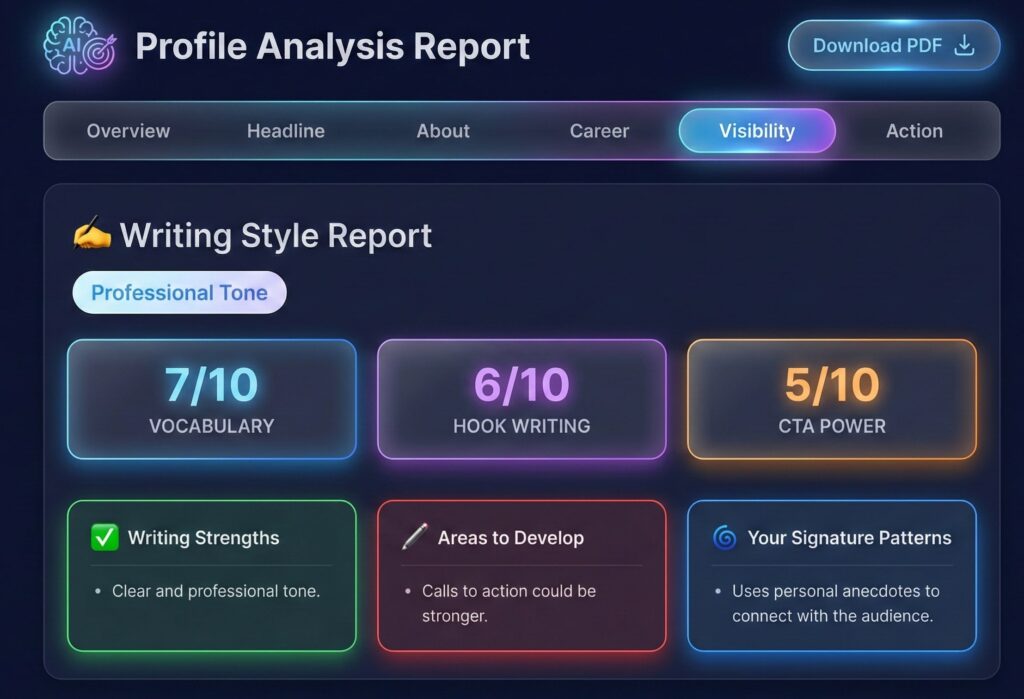
Evein performs a complete 360° audit of your LinkedIn profile from your photo and banner to your headline, experience, skills, SEO keywords, and content style delivering personalized recommendations and a downloadable PDF report to elevate your personal brand.
AI Post Generator
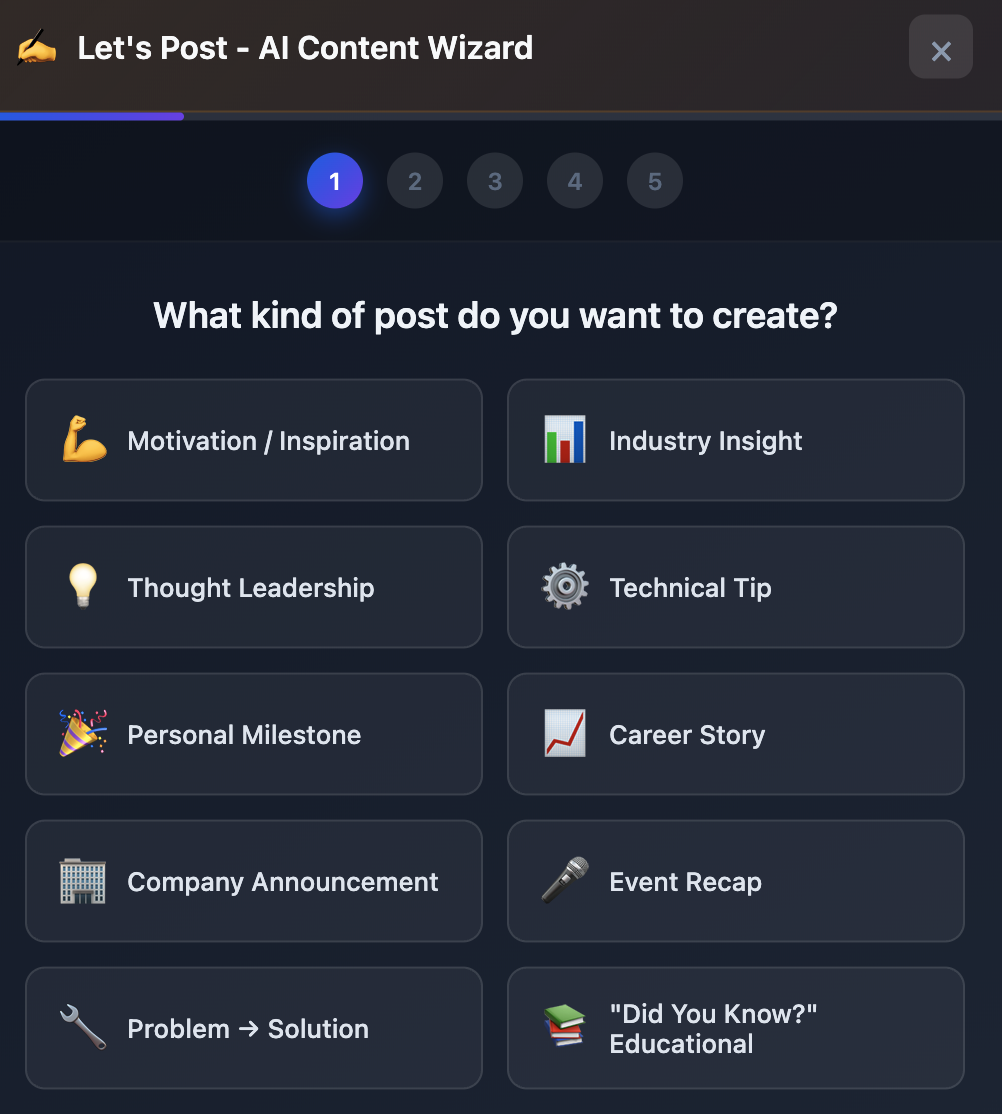
Create high-impact LinkedIn posts with Evein’s guided content wizard. Generate hooks, captions, full posts, and matching visuals in seconds—helping you stay consistent and grow your influence.

Intelligent Features
0
+
AI-Powered | Data-Driven | Growth-Focused
Evein is the next-generation LinkedIn intelligence assistant designed to reveal hidden contact details, analyze profiles with AI precision, and empower professionals to grow their reach, credibility, and opportunities on the world’s largest business network.
1B + Profiles Indexed
Instant access to global professional identities with verified contact data.
50M+ Companies Mapped
Deep insights into organizations, decision-makers, and market presence.
360° Profile Intelligence
AI-driven scoring for your photo, headline, experience, skills, and content.
UNLOCK • ANALYZE • CONNECT
Empowering Smart LinkedIn Intelligence
Evein empowers you with instant contact discovery, AI-driven profile analysis, and actionable insights that transform how you connect and grow on LinkedIn.
By combining intelligent automation, accurate global data, and advanced AI models, Evein helps you identify the right people, understand their professional footprint, and elevate your own presence with precision and confidence.
Contact Discovery & Enrichment
Unlock verified contact details and deep insights for any LinkedIn profile instantly enabling smarter outreach and stronger business connections.
- Verified Phone Numbers & Emails
- Global Coverage of 1B+ Profiles
- Instant Data Enrichment
AI-Powered Profile Analysis
Evaluate any LinkedIn profile with AI scoring every element from headline, photo, experience, and content to deliver actionable improvement insights.
- AI Photo & Headline
- Evaluation Full Profile
- Optimization Suggestions
Smart Content Creator
Generate high-impact LinkedIn posts in seconds with AI — complete with optional visuals, hooks, and hashtags to boost your personal brand.
- AI-Generated Post Ideas
- Customizable Writing Style
- Auto-Suggested Hooks & Hashtags
From Download to Insights in Minutes
Installing the Evein Chrome Extension is quick, simple, and takes less than a minute. Follow these easy steps to start unlocking LinkedIn intelligence instantly.
Download Evein
Get the latest version of the Evein Chrome extension as a ZIP file directly from our website.
Unzip the Folder
Extract the downloaded ZIP file to reveal the Evein extension folder.
Install on Chrome
Open Chrome → go to chrome://extensions → enable Developer Mode → click Load unpacked → select the Evein folder.
Enjoy the Power of AI
Start accessing contact details, analyzing profiles, and creating AI-enhanced posts all directly inside LinkedIn.

Copyright © 2025, All rights reserved. Powered by evein.